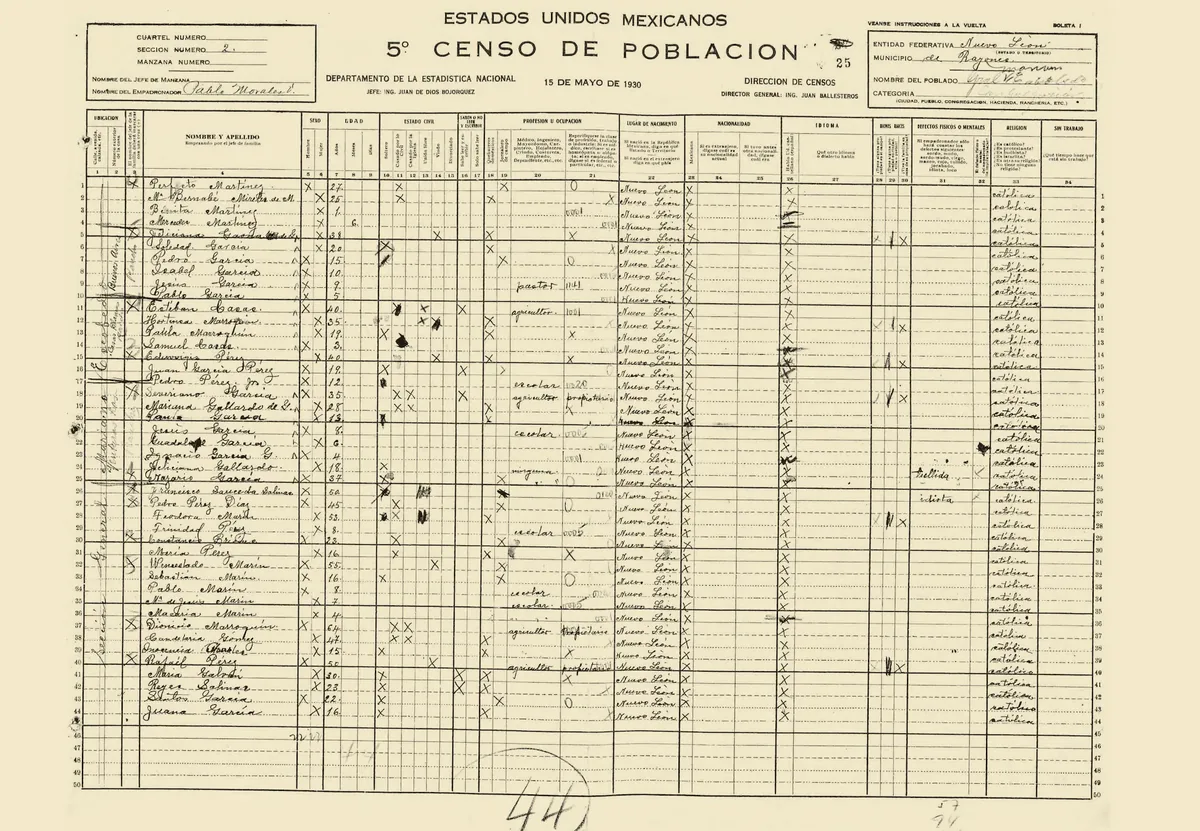
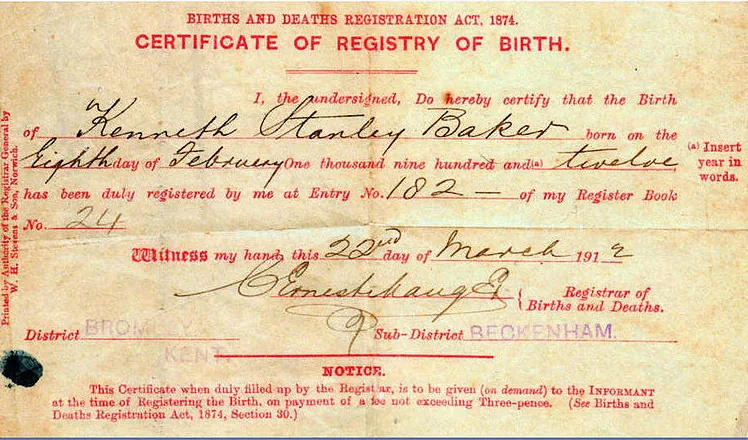
Three months into serious research, most people have the same folder: "Genealogy." Inside it: two hundred and forty files. IMG_4821.jpg. Untitled document (3).pdf. scan0012.jpg. A screenshot named Screenshot 2026-03-14 at 11.02.47 AM.png that might be a marriage record, or might be someone else's ancestor entirely, because there's no way to tell without opening it.
If you've already worked through the basics of starting a tree, you know the record-gathering doesn't stop. It accelerates. Every solved brick wall opens three more searches, and every search leaves a receipt behind: a downloaded PDF, a saved image, a link you meant to revisit. Six months in, the files outnumber the facts, and finding the one record that actually matters takes longer than finding it did the first time around.
Name the file before you save it.
That receipt pile is fixable, and it starts with something almost embarrassingly simple. The single biggest time sink in genealogy research isn't the searching. It's finding a file you already have. A naming convention solves that in one line of discipline: Surname_GivenName_EventType_Year. A census page for Miguel Vasquez in 1900 becomes Vasquez_Miguel_Census_1900.jpg. His 1889 birth record becomes Vasquez_Miguel_Birth_1889.pdf. His WWI draft card becomes Vasquez_Miguel_Draft_1917.pdf. The order matters: surname first so files sort alphabetically by family line, event third so everything about one person clusters together no matter which folder it lives in, year last so a glance down a person's files reads like a timeline. Renaming a file this way costs about ten seconds, done at the moment you save it. Renaming two hundred files after the fact costs an afternoon, which is exactly why almost nobody who skips this step ever goes back and does it.
Put folders around people and events, not in one pile.
A good file name still won't help if the file itself is sitting in a folder with four hundred others. A single "Genealogy" folder is where files go to disappear. The fix is a structure that mirrors the tree instead of ignoring it: one top-level folder per family line (Vasquez, Kowalski, Okonkwo), one folder per person inside that, then whatever subfolders that person's paper trail actually needs (Census, Vital Records, Military, Correspondence). A record that touches several people at once, like a family's arrival on one ship, gets cross-referenced by dropping a copy or a shortcut into each person's folder rather than forcing you to remember which sibling's folder holds the manifest. Setting this up takes longer than letting files land wherever the browser's default download folder puts them. It pays that time back the first time you need to answer "what do I actually have on this person" in under a minute instead of twenty.
Track what you have, not just what you've named.
A naming convention and a folder tree solve for findability. Once a file exists, you can locate it in seconds. Neither one answers a different question, and it's the one that costs real time when nobody thinks to ask it: what don't you have yet. Six months into a line like the Okonkwo branch, spread across three counties and four census years, nobody remembers offhand whether anyone ever pulled a death record for the great-grandparents born before 1880. The gap usually surfaces the hard way: mid-search, three hours into hunting for a document that turns out not to exist yet in any database you've checked.
A coverage spreadsheet catches this before it costs an evening. One row per person. One column per record type: birth, baptism, marriage, each census year, draft registration, death, obituary, headstone. Each cell holds what you actually have, not a checkbox, so a cell might read "1900 census, Vasquez_Miguel_Census_1900.jpg" or just "none found yet." Filling it in takes a few minutes per person, done as you finish a folder rather than as a separate project. What it buys back is bigger than what it costs. Scan the Death column down the whole Okonkwo branch and the gap announces itself: every row is blank for anyone born before 1880, a pattern invisible from any single person's folder and obvious the moment ten rows sit next to each other. That's a research plan, not a mystery. It tells you exactly which record type to chase next, for exactly which generation, instead of leaving you to rediscover the hole by accident the next time you happen to need that one death date.
Keep a log of what you've already searched.
Naming and folders solve the problem of files you already have. They don't solve the problem of a search you ran eight months ago and forgot you ran. Elena Marsh, an archivist who spends most of her week untangling other people's research instead of her own, put it this way: "People will search the 1910 census for the same family three separate times over two years and get the same nothing each time, because nobody wrote down that they'd already tried it." A research log doesn't need to be complicated. A spreadsheet with five columns does the job: date, what you searched, where, your exact search terms, and the result, including "nothing found." That last part is the one people skip, and it's the one that matters most. A blank result is still information. Writing down "searched FamilySearch and Ancestry for Vasquez, Ellis Island, 1889 to 1891, nothing matching" means that eight months from now, staring at the same brick wall, you spend the evening trying a new database instead of running the old search again and calling it progress.
Photographs and heirlooms need a system of their own.
Everything above assumes a document: something with words on it, a title, an event, a year stamped by an office somewhere. Photographs rarely come with any of that attached, and heirlooms come with none of it at all. Both need an approach separate from the naming convention built for scans and certificates.
An undated photograph still carries clues. They just aren't sitting in a filename. The card stock and photographic process narrow a window fast: a tintype points to the 1860s or 1870s, a cabinet card to the 1870s through 1900s, a white-bordered snapshot to sometime after 1900. A studio's printed backstamp can be looked up by address, since photography studios moved and renamed on a schedule genealogists have already charted out. Clothing, hairstyles, and the ages of anyone else identifiable in frame narrow it further, and a street sign or a car in the background can sometimes pin a date within a couple of years. None of this produces a certain date. It produces an estimate worth writing down. "Circa 1905" earns a place in the file name the same way a confirmed year does, so a photo becomes Okonkwo_Grace_Photo_c1905.jpg, with the reasoning (the dress, the studio, the ages of the children standing next to her) kept in a caption file rather than left to memory.
Physical heirlooms need a different bridge, since a brooch or a pocket watch can't sit in a folder at all. A numbered inventory list handles it: Item 001, a cameo brooch, believed to have belonged to Grace Okonkwo, currently held by a cousin, photographed on a given date. The digital photo of that brooch takes the matching name, Okonkwo_Heirloom_001.jpg, so the object and its digital record point at each other even after the brooch itself moves to a different relative's mantelpiece. Skip that link and the story attached to an object lives only in whoever happens to be holding it that year. It evaporates the day nobody remembers to mention it to whoever inherits the box next.
More than one researcher changes the rules.
One person building one system is the easy case. Family history rarely stays that contained for long: a cousin gets curious, a sibling wants to help, and now two people are downloading records into two different folders with two different habits. Neither habit is wrong exactly. They're just different, and different turns out to be worse than either one alone.
The failure mode is specific, and it looks the same every time. The same census page gets saved twice under two different names: Vasquez_Miguel_Census_1900.jpg from one person, 1900_US_Census_Vasquez.pdf from the other, sitting in two folders neither person opens. Nothing about either name is wrong on its own. The problem is that no software and no glance at a file list will ever notice they're the same document, so the family ends up with duplicate copies, duplicate work, and eventually two slightly different transcriptions of the same fact because someone read the handwriting differently the second time.
The fix costs one conversation, and it has to happen before the second person opens their downloads folder, not after. Agree on the naming convention and the folder structure together. Write it down somewhere both people will actually reopen, not just remember for a week. Use one shared drive rather than two personal ones. A shared research log matters even more with two researchers than with one: the entire point of logging a search is to stop someone from repeating it, and that only works if both people write to the same log instead of two private ones that never talk to each other.
Files are the foundation. The tree is just the display.
Do everything above and you still haven't organized the thing most people assume organizing means: the tree itself. Here's the distinction that actually matters once the file count climbs into the hundreds. A messy folder structure with every source saved and correctly attached to a claim is recoverable. You can rebuild a clean tree from good files in a weekend if you have to. A pristine-looking tree with no files behind it is not recoverable. If a date gets mistyped, a duplicate gets merged wrong, or you simply forget where a fact came from, there's nothing left to check it against. The tree is the display case. The files are the collection sitting behind the glass. This is the same logic behind AncestorIQ's Memories & Library: it takes any file format you throw at it (photos, scans, audio, documents), and full data ownership means what you export stays actually yours. The goal was never a tidy-looking tree. It's a shoebox of everything that matters, staying intact no matter what happens to the tree built on top of it.
Set a recurring date to reopen the system, not just build it once.
A system built on day one and never revisited slowly turns into the exact pile it was built to prevent, just with better file names. The naming convention and the folders don't go stale on their own. The research log does, and it goes stale in a specific, predictable way: a "nothing found" entry from eighteen months ago was accurate when it was written and might be wrong today, not because the search was sloppy, but because the record wasn't online yet when the search ran. FamilySearch, Ancestry, and state and national archives digitize new collections all the time, so a brick wall from last year is sometimes just a database that didn't exist last year.
The fix isn't re-running every search from scratch every few months. That's its own kind of drowning. It's a standing quarterly habit instead: block an hour, pull up the research log, and re-try specifically the entries marked "nothing found" against whatever's been newly indexed since the last pass, rather than the whole log top to bottom. Ten minutes of that same appointment is enough to check whether files have started landing in the wrong place again (a stray download folder, an unnamed screenshot) before it grows back into two hundred loose files. The system doesn't maintain itself. It just needs less maintenance than starting over does.
None of this is glamorous, and nobody starts researching their family because they love renaming files or filling in a spreadsheet. But the research only gets harder to search as it grows, and a system built on day one costs nothing next to what it saves on day two hundred.