In January 2021 James Tanner, who writes the Genealogy's Star blog, picked one person in the FamilySearch Family Tree to show how it gets better. Arthur Augustus Bryant had "31 source records attached" but only a three-month window for his death. Tanner found the exact date in a probate index, corrected the profile and added the citation "in a matter of under five minutes". Then he made the larger claim: "This is happening tens of thousands of times a day" across the tree.
That openness is what makes the tree good and also what makes it risky. FamilySearch's own help article says it in one line: "Family Tree is an open, collaborative environment." The stranger who fixed Bryant's death date in five minutes could have broken it just as fast. So "how accurate is FamilySearch?" has no single answer. The useful question is how accurate the profile on your screen is, and FamilySearch gives you most of the tools to find out.
The records and the tree are two different things.
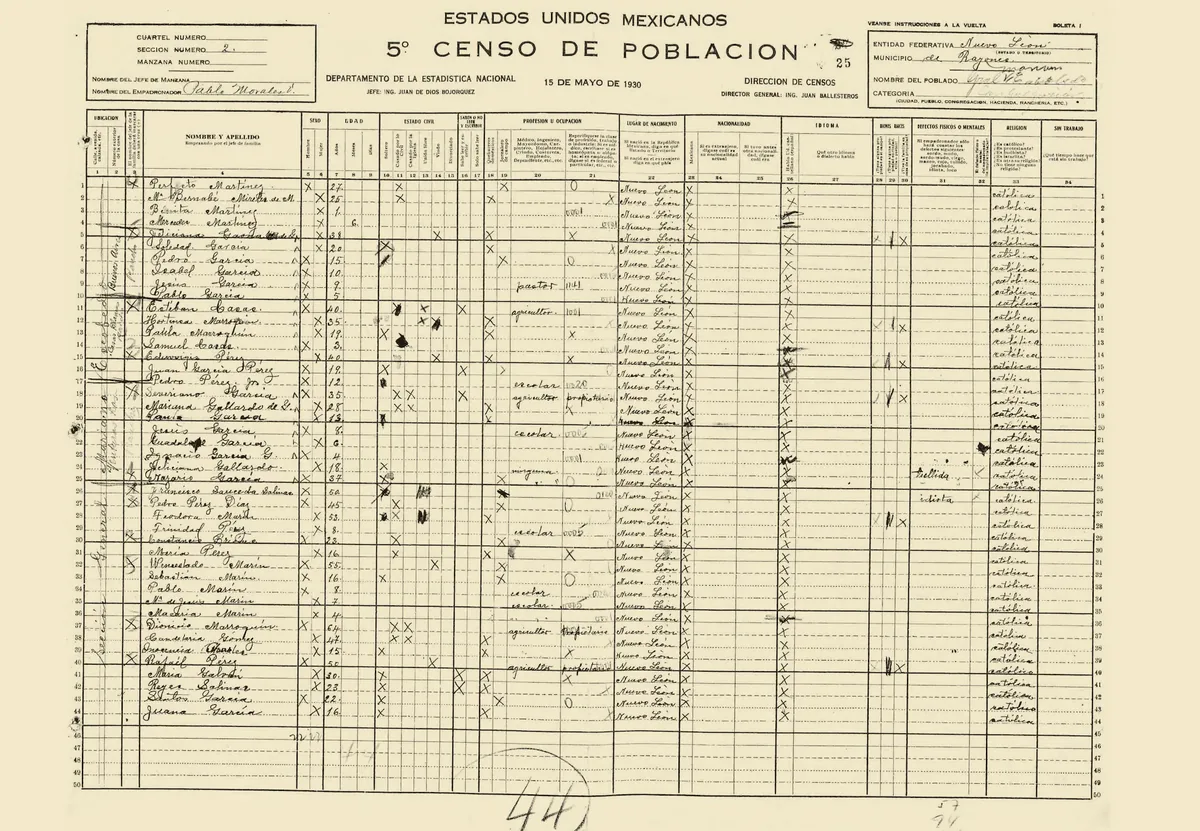
FamilySearch is two collections under one login. One is historical records: scanned documents and the indexes volunteers and software have made from them. Its own count in August 2026 was 16.93 billion searchable names. The other is the Family Tree, with 1.94 billion people and 4.20 billion attached sources. A census image is what a census taker wrote. A tree profile is somebody's conclusion about what that census means, and conclusions can be wrong in ways an image cannot.
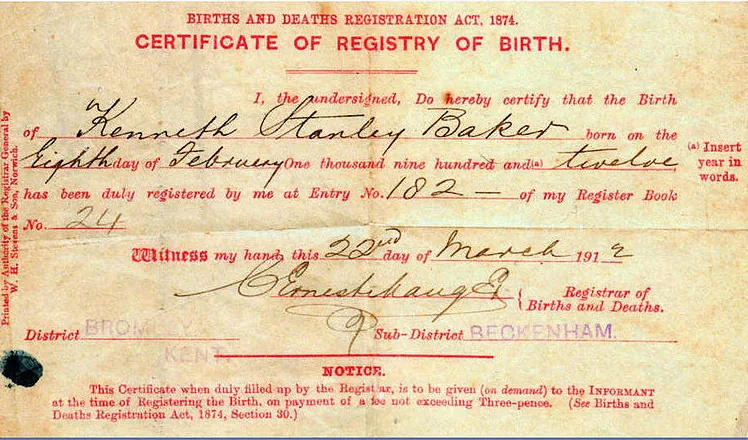
Even the records need one habit. An index entry is a transcription, so when it matters, open the image. FamilySearch's help article on its quality score lists "A name on an attached source was indexed incorrectly" among the cases it has seen. A misread surname in an index can attach the wrong family to your ancestor for years.
Check which tree you are looking at.
A FamilySearch search can now return people from more than one kind of tree, and they are not equally open to correction. The help article on read-only records explains that older collections from FamilySearch Genealogies, such as the Pedigree Resource File, are findable alongside the shared tree but cannot be edited: "Even the submitter of the tree is not able to edit them." A read-only banner can also mean a user tree uploaded from a GEDCOM file, which you can view but only its invited contributors can change.
The banner sometimes means the opposite of what you expect. FamilySearch locks some profiles in the shared tree itself "to prevent the data of historical figures from being deliberately falsified". A locked president is guarded. An old Genealogies submission is just frozen, errors and all.
Some of the tree arrived without its sources.
The shared tree did not start empty. FamilySearch's wiki page on the Pedigree Resource File says its information "has been added to Family Search Family Tree", and then adds the catch: "sources, documentation and other notes were not added to FamilySearch Family Tree." The older Ancestral File, built from pedigree charts, family group sheets and GEDCOM files, carries the same warning on its own wiki page: "FamilySearch did not check the accuracy of any submission." FamilySearch retired the Ancestral File from its website on 25 June 2026.
So a profile with tidy dates, a full list of children and nothing attached proves nothing about the research behind it. It may be a decades-old submission somebody typed from memory, carried forward without the notes that once explained it. Count the sources before you count the generations.
Read the change history before you read the dates.
Every profile keeps a record of who changed what. Its Latest Changes list shows each edit, and each change carries the contributor's Contact ID and a way to reach them. When someone edits a name, date or place, the help article tells them to "Enter a reason statement" explaining why the information is correct. Read those statements. "Per 1880 census, attached" is evidence. "Family records" is a promise.
Then look at the pattern. A birth year that has flipped between two values five times in a year is an argument still in progress, and Tanner's own phrase for these pockets of the tree is "revolving door" changes. If you see one, message the people involved before you add a sixth flip. If the last real change was years ago and the attached sources agree with the profile, you are probably looking at settled work.
The quality score tells you where to look first.
FamilySearch now runs automated checks on many profiles and shows a data quality score in the profile's Research Help section, rated low, medium or high according to FamilySearch's announcement. It looks for missing vital facts, facts without tagged sources, sources that disagree with the profile, and impossible combinations such as a child born before the mother. It only appears for people born in particular places and periods, the United States and the United Kingdom between 1800 and 1920 among them.
Treat it as a triage list. The help article is candid about the limits, listing real exceptions such as "An ancestor stretched the truth when recording their age". It also answers the obvious objection: "The data quality score is not a judgement of your grandmother's character." A high score means the profile agrees with its sources. It cannot tell you the sources belong to the right person.
Copy the evidence, not the conclusion.
One of the most damaging errors in any shared tree is two people with the same name in the same county folded into one, with one man's children and the other man's death. Our guide to telling same-name ancestors apart covers how to pull them apart. Before you copy anything into your own tree, open each attached source and check that the ages, places and family members match the person you think it describes.
When you do bring FamilySearch data home, bring the sources along with the names and dates. Our guide on getting your tree out of FamilySearch explains which routes still work and what they leave behind, and our piece on sources you can trust covers how to weigh one record against another. FamilySearch is free and enormous, and its best profiles are excellent. Its weakest ones look exactly like its best ones until you open the change history and the sources.