The loudest AI in genealogy ships with a subscription attached. The biggest one doesn't. FamilySearch, the nonprofit genealogy arm of the Church of Jesus Christ of Latter-day Saints, has spent two years applying handwriting recognition to its archive at a scale no commercial rival approaches, and it charges nothing for any of it. We've reviewed MyHeritage's suite and Ancestry's AI Stories in this space; FamilySearch deserves the same fair accounting, because parts of it are the most useful genealogy AI you can touch today, and other parts are barely out of the lab.
Full-text search is the story.
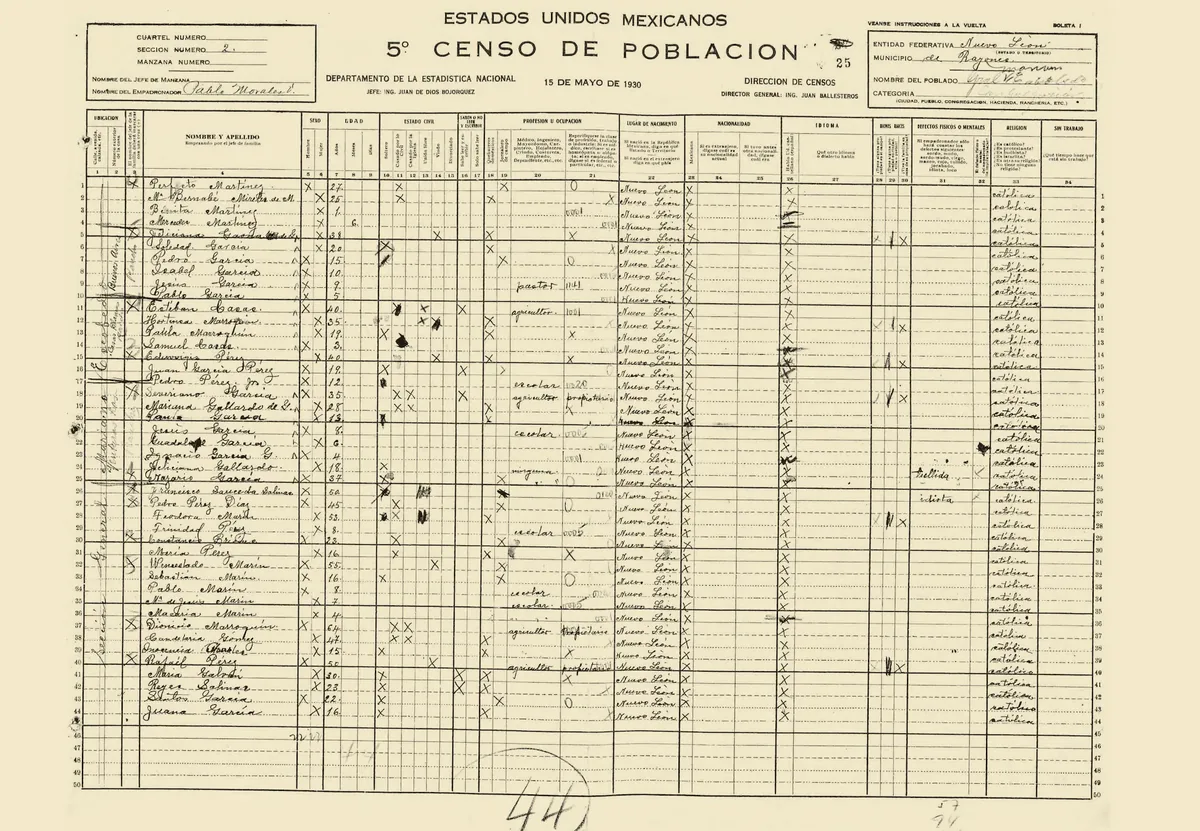
Start with the numbers, because they are the point. When full-text search debuted at RootsTech 2024 as a FamilySearch Labs experiment, the AI had transcribed roughly 100 million record images. By RootsTech 2026, FamilySearch put the count at 2.3 billion images, adding some 20 billion searchable names. The feature left Labs in August 2025 and now sits in the main Search menu, and since the March 2026 announcements you can attach what you find directly to the shared Family Tree. All of it comes with a free account. There is no premium tier hiding the good parts, because there is no premium tier.
Why searching every word changes the work.
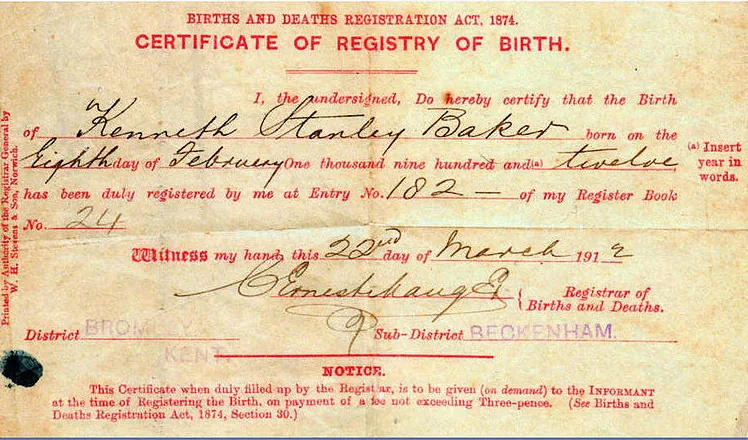
A traditional index knows the groom's name; the full text knows the witnesses'. For a century, anyone who appeared in a record without being its main subject was invisible: the neighbor named in a land deed, the married daughter listed in a probate file, the man who signed as witness at a wedding. Handwriting AI reads the whole page, so those people are now findable. In practice the collections are strongest for US land, probate, legal, and vital records, with military and migration sets alongside and international coverage (the UK, Brazil, and Canada among them) growing. The models prioritize English and Spanish today; FamilySearch has described a longer-term ambition of thirty to forty languages.
Where the transcription slips.
A machine transcription is a draft, not a verdict. The AI misreads names in exactly the places clerks wrote them worst, which means it fails most often on precisely the ancestor you're hunting. Wildcard searches catch some of the misses, and the fix for the rest is old-fashioned: open the image and read the line yourself before anything goes on a tree. Coverage is the other honest caveat. Billions of images are transcribed, but not all collections are, so an empty result doesn't mean the record doesn't exist. It may just mean the AI hasn't read that shelf yet.
The assistant tools are younger, and it shows.
At RootsTech 2026, FamilySearch moved its AI Research Assistant and AI-ranked hints out of Labs. The assistant suggests possible family connections from indexed records; the hinting system, as FamilySearch's engineers describe it, builds a virtual tree in the background to rank which hints are likeliest to extend yours. Simple Search, a natural-language search box, is still in Labs, and a help chatbot answers how-to questions from the wiki and blog. Used as triage, it's handy. But be clear about what it is: a suggestion engine over FamilySearch's own indexes, not an agent that takes a research question and returns a cited answer. Every suggestion inherits whatever the underlying index got wrong, and how well the assistant holds up on genuinely hard cases is too early to judge. Treat its output as leads.
The honest scorecard.
Strengths: full-text search is, in our view, the single most consequential AI feature genealogy has produced, and it's free at a scale (100 million to 2.3 billion images in two years) that no subscription service matches. Weaknesses: the tools are scattered across the search menu, Labs, and the mobile app rather than gathered into one assistant; the AI stops at suggestions, leaving the searching strategy, the conflict-weighing, and the tree-building to you; and there is no storytelling layer at all, nothing between "record found" and "record attached." One structural quirk to know going in: FamilySearch runs a single shared tree for everyone, so the profiles its hints extend are communal, not privately yours. Some researchers love that model. Others tolerate it.
Where AncestorIQ fits.
FamilySearch built the haystack-searcher, and deliberately stopped there: no researcher, no storyteller. That's the fair split. If the job is finding a record inside the world's largest free archive, use full-text search; we do. If the job is answering a research question across sources, with citations you confirm on a tree that stays yours, that's Deep Research. And the part FamilySearch doesn't attempt, turning a documented life into a narrated film the family will actually watch, is what our family history video guide covers. For the whole field side by side, see the AI genealogy guide.