What does turning family history into a video involve?
Four steps: gather the material (photos, records, memories), choose one story worth telling, write narration that sticks to documented facts, and assemble it into scenes with a voice. You can do all four by hand over a few weekends, or hand the writing and assembly to AncestorIQ and keep the choosing.
The order matters more than the tools. People who start in a video editor tend to finish with a slideshow; people who start with the story usually finish with a film. So resist opening any app yet. The first two steps happen with a notebook: what material exists, and which single story it supports.
This page covers the hand-built route and the automated one, because they share three of the four steps; only the assembly differs. For what a finished film looks like and why the format earns its keep, our family history video guide is the overview. This page is the workbench.
How do you gather photos and records for a video?
Scan originals once, properly: 600 DPI for prints, straight on, no flash glare. Pull the documents that carry the story's facts (certificates, census pages, a draft card) and note where each came from. Then ask living relatives what they remember. Answers recorded now become narration material later.
Photos first. A flatbed scanner or a phone scanning app both work; shoot straight on and turn the flash off, because glare on a glossy print is the one mistake you can't fix later. Name the files by person and rough year, and don't crop or filter at this stage. The edit crops better than you will now.
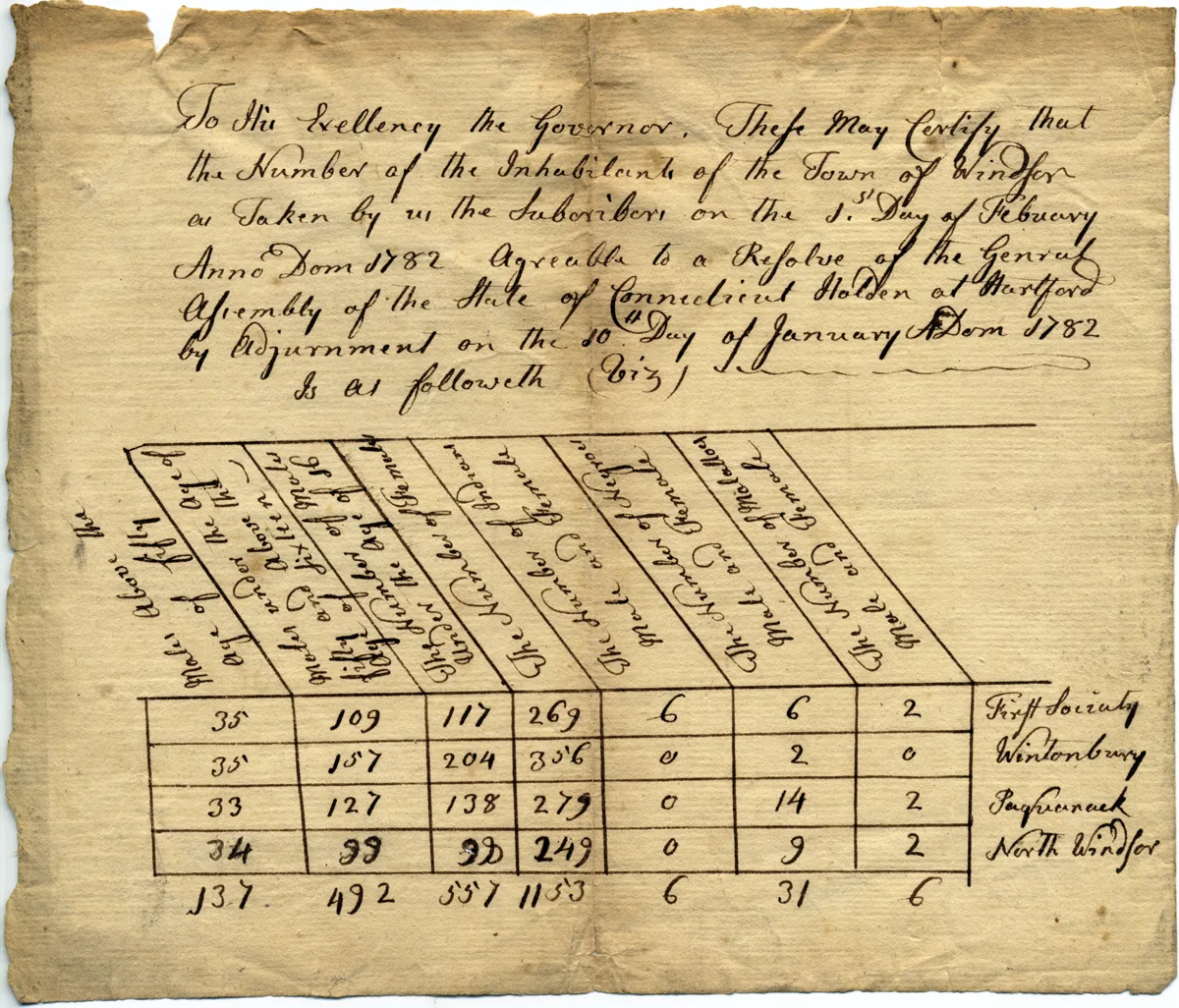
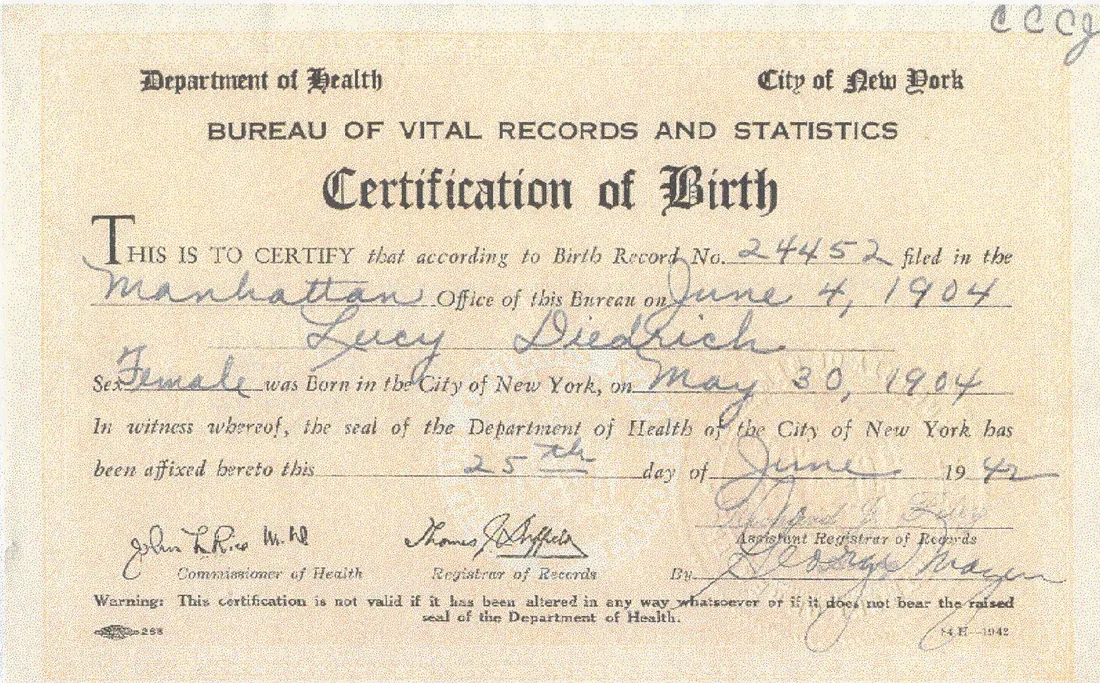
Documents are visuals too, and often stronger ones. A census line with the family's names, a signature on a draft card, the scalloped edge of a certificate: on screen these read as evidence. Pull every document that carries one of the story's facts and note where it came from; the note feeds the narration later ("the 1920 census lists...").
Then the interviews. Living memory expires, and a recorded answer is both a source and a script. Ask about places and years, not just feelings, and keep the recorder running; our guide to interviewing elder family members lists the questions that surface usable detail. And if the record trail itself is thin, Deep Research can fill it with cited records before you script anything.
How do you choose which story to tell?
Pick one person, then one hinge in that person's life: the year they left, the war they registered for, the marriage that joined two families. A single turning point gives a video somewhere to arrive. Whole-tree videos come out as slideshows, and slideshows are what nobody finishes watching.
The one-sentence test settles it: if you can't say the story as a single sentence with a date in it ("Maria left Palermo in 1907 and had the shop open by 1920"), it isn't one story yet. It's several. Cut until it passes. Our post on turning a life into a story worth watching walks a full worked example, from picking the turning point to handling the years no record covers.
What does the narration actually need?
Three ingredients per scene: a date, a place, and a source you could show if asked. Narration built on those stays honest and specific. Where a stretch of years has no record, say so in one line instead of bridging it with a guess; stated gaps make the rest more believable.
Write the script from the documents, not from memory of the documents. Open the census page while you write the census scene. Quote lines instead of paraphrasing them; "Height: medium. Build: slender." lands harder read aloud than any smoothed-over description. And keep the voice honest: first person only where the person's own words survive, third person everywhere else.
Every "probably" in your draft is a decision point. Either find the record that removes it, or say the gap out loud ("what he did in those six years, no record says"). What you never do is narrate the guess as fact, because spoken warmly over a photograph, a guess is indistinguishable from one.
How do you assemble the video by hand?
The DIY route: write the script, record the narration on a phone in a quiet room, then build scenes in any editor (iMovie, CapCut, Canva) with slow pushes on photos and documents. Budget several hours for a three-minute film, most of it spent timing narration to images.
Recording is simpler than it sounds: a phone in a small quiet room (closets genuinely work), a printed script, three takes, and keep the least careful-sounding one. Assembly has a few rules worth stealing: one idea per scene, four to eight seconds per image, slow push-ins instead of flashy transitions, and the narration decides the cut points, never the other way around.
Two finishing rules. Export at 1080p or better so document close-ups stay legible, and screen it for two or three people who knew the person before the whole family sees it. Expect the full route to cost roughly an evening per finished minute. That's normal, not slow. It's also exactly the cost the next section removes.
How does AncestorIQ automate the pipeline?
You keep the two human steps, choosing the person and confirming the facts, and AncestorIQ does the rest: it writes the script from the sourced records on your tree, narrates it, generates the scenes, and returns a short film you can share or download. Free to start.
The tree is the script's source. You build it by chatting, confirm the facts and records as they land, and ask for the film. The script gets drafted from sourced facts only, narrated, and assembled into generated scenes: minutes, not weekends. The same grounding rules you'd hold yourself to are enforced in the pipeline. No invented lives, and gaps stay gaps.
See the Family Video feature for what the output looks like. It's free to start, and the film can grow with the tree: add the record that closes a gap, and the story has more to say.